
How to use the Student Portal
Set up your exam browser and sign in — step by step for your device.
“Wrong exam configuration”? Your config was updated
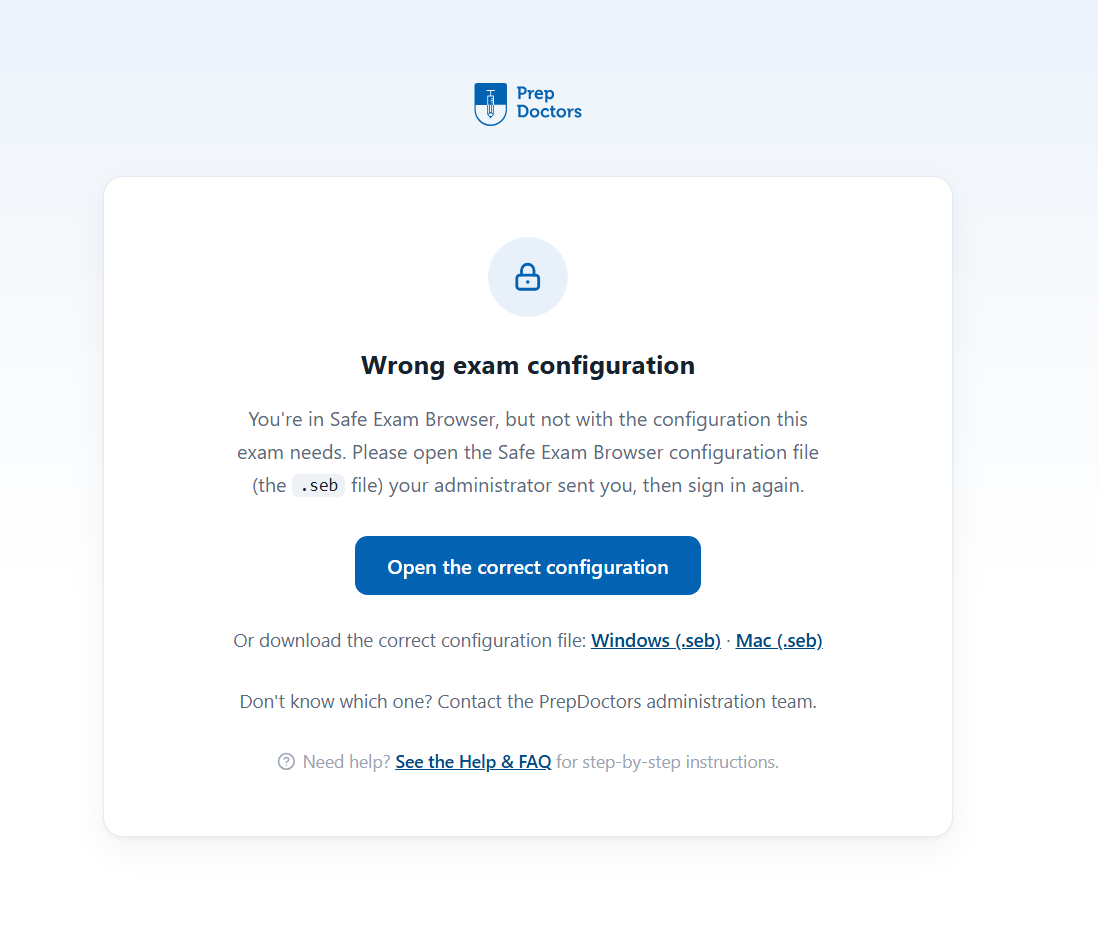
When the PrepDoctors team publishes a new exam configuration, your old one stops working: SEB still opens the portal, but shows the page below. Nothing is broken — you just need to switch to the new configuration file.
Download the new configuration and open it
Download the current configuration file, then tap the downloaded .seb file — it replaces your old configuration automatically, no password needed. Then reopen Safe Exam Browser: you're on the new configuration and can sign in as usual.
Download the configuration (.seb)Questions? After signing in you'll find answers in the Help & FAQ, or contact the PrepDoctors administration team.