
How to use the Student Portal
Set up your exam browser and sign in — step by step for your device.
Prefer to watch?
Follow the whole setup for Android in a short video.
“Wrong exam configuration”? Your config was updated
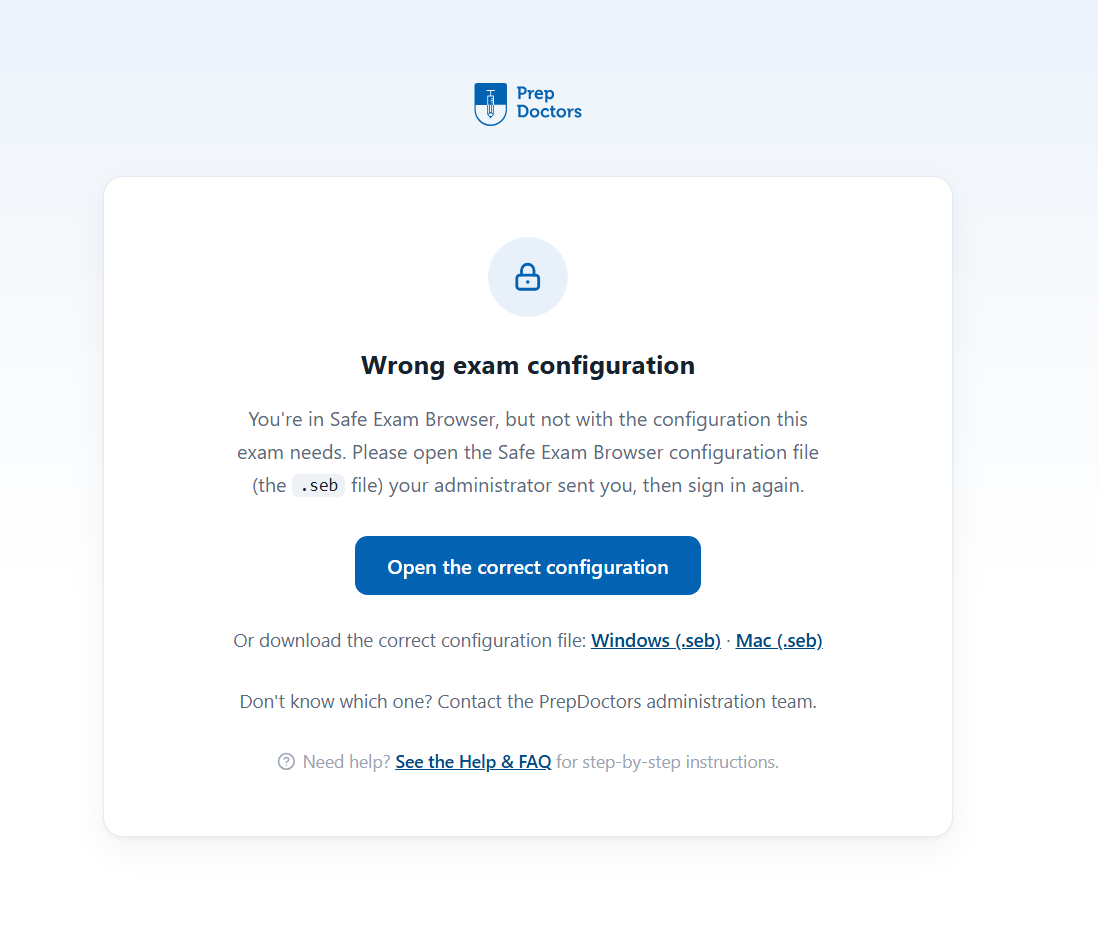
When the PrepDoctors team publishes a new exam configuration, your old one stops working: the exam browser still opens the portal, but shows the page below. Nothing is broken — you just need to switch to the new configuration file.
Download the new configuration and open it
Download the current configuration file, then open Fully Exam Kiosk, tap SELECT FEK FILE and pick the new .fek file from your Downloads — it replaces your old configuration, no password needed, and you can sign in as usual.
Download the configuration (.fek)Questions? After signing in you'll find answers in the Help & FAQ, or contact the PrepDoctors administration team.